DOWNLOAD
Windows Based Desktop
(Mac Using Parallels)
(secretstudio.exe 104 MB)
IMPORTANT: To activate your free trial you'll be asked to verify your email address before you're issued a license key. An email will be sent from support@secretstudioai.com containing a 6 digit code to enter into the software. This email is sent instantly. Please check your spam folder. If you're using a desktop based email client (Outlook etc.) you might need to login to your web email client (gmail.com).
Make sure to add support@secretstudioai.com to your list of approved senders.
Installation Instructions
- Download the secretstudio.exe installer to your downloads folder.
- Double click it to run the installer and follow the instructions.
- Click the "Secret Studio" desktop icon to launch the software.
If you're taking the free trial...
- Switch to the trial tab and enter your email address.
- Check your email address for a 6 digit code to enter into the software. Enter this and click "verify".
- You'll be redirected to the "Welcome" screen and you're good to go.
- Another email will be sent containing your license key and more info. Keep this safe for future reference.
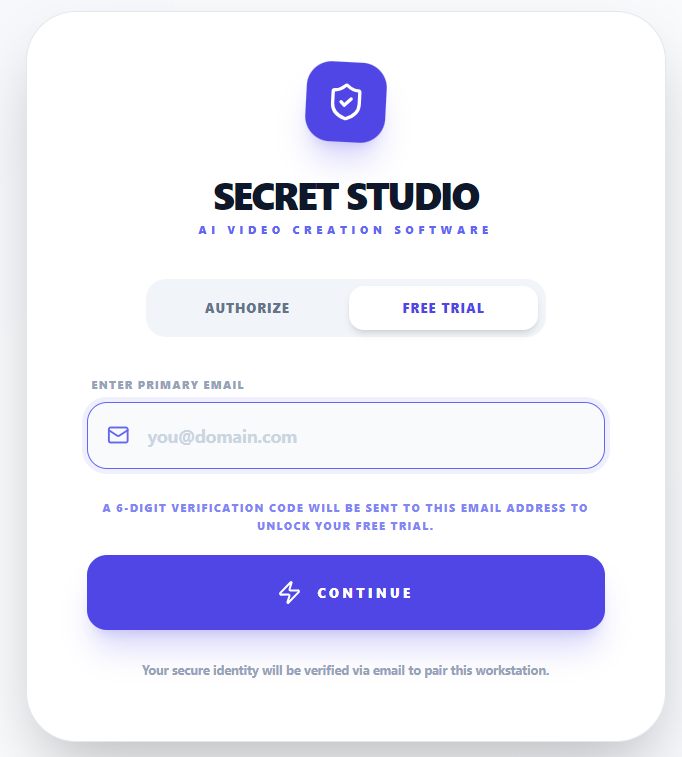
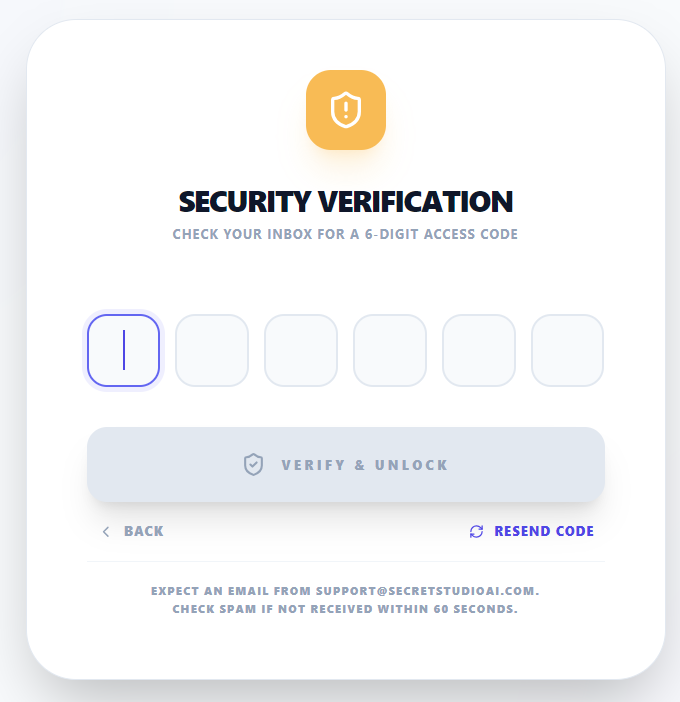
If you've purchased a license key, enter your registered email and key and click submit. You will be redirected to the welcome screen and you're good to go. If upgrading from the trial your email and license key will remain the same as the one you received during the trial period.
How To Use Secret Studio
If you haven't already, be sure to watch the demo on the home page.